ROLARIX
Connection
Built-in LTE
Power
12–24 V DC
Fits
The gate you already have
App
Multi-language support

Press it

This is the button from the app. Here it opens nothing.

One button. The gate you already have.

TOP Gate connects your gate or rolling door directly to the cellular network. It installs alongside the motor and control unit you already have, and is managed entirely from the app.

  • Built-in LTELTE Cat 1 cellular with its own SIM. It works wherever there is mobile coverage, with no Wi-Fi or local network required.
  • Existing motorsConnects to the gate and rolling-door motors and control units already on site, through dual relay outputs and isolated inputs.
  • Users and installersAdd and remove users in seconds. Separate installer and user roles keep setup and everyday access apart.
  • SchedulingDefine opening schedules for each gate, so access follows the hours that suit your site.

TOP Gate at a glance

A compact controller designed to sit next to your existing gate electronics and connect them to your phone over LTE.

TOP Gate technical specifications
ConnectivityBuilt-in LTE Cat 1 cellular with its own SIM
Site networkNone required. No Wi-Fi needed
Power supply12–24 V DC
Outputs2 relay outputs (COM / NO / NC)
Inputs2 optically isolated inputs
CompatibilityExisting gate and rolling-door motors and control units
ControlTOP Gate app for iOS and Android, CarPlay and Android Auto

Your gates, in your pocket

TOP Gate is the app for your gate. Open it in one tap and manage who has access, from anywhere.

Download on the App Store Get it on Google Play
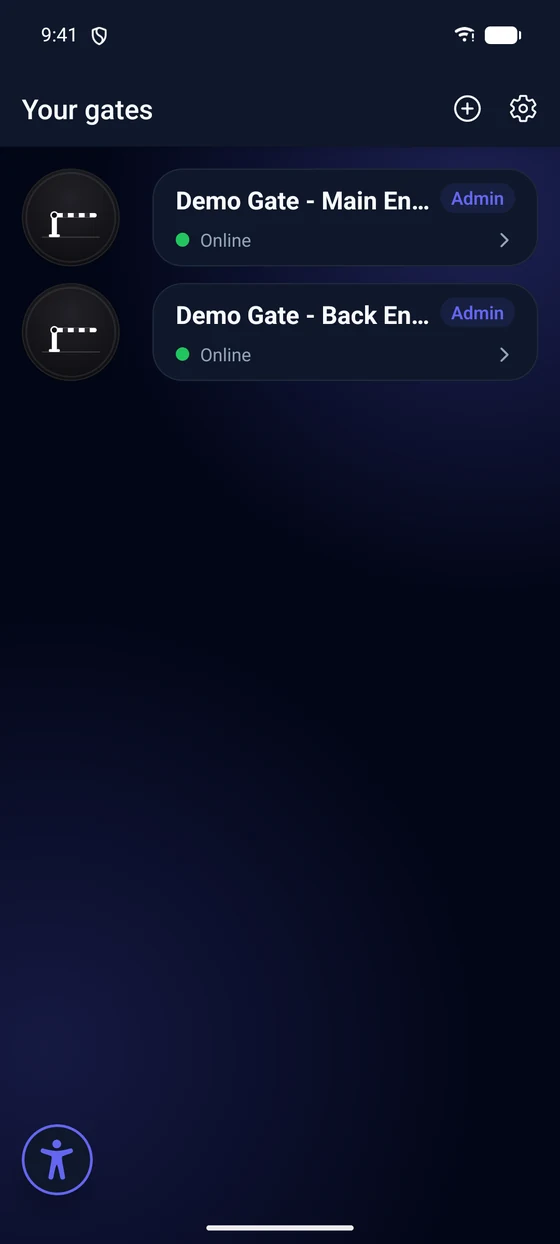
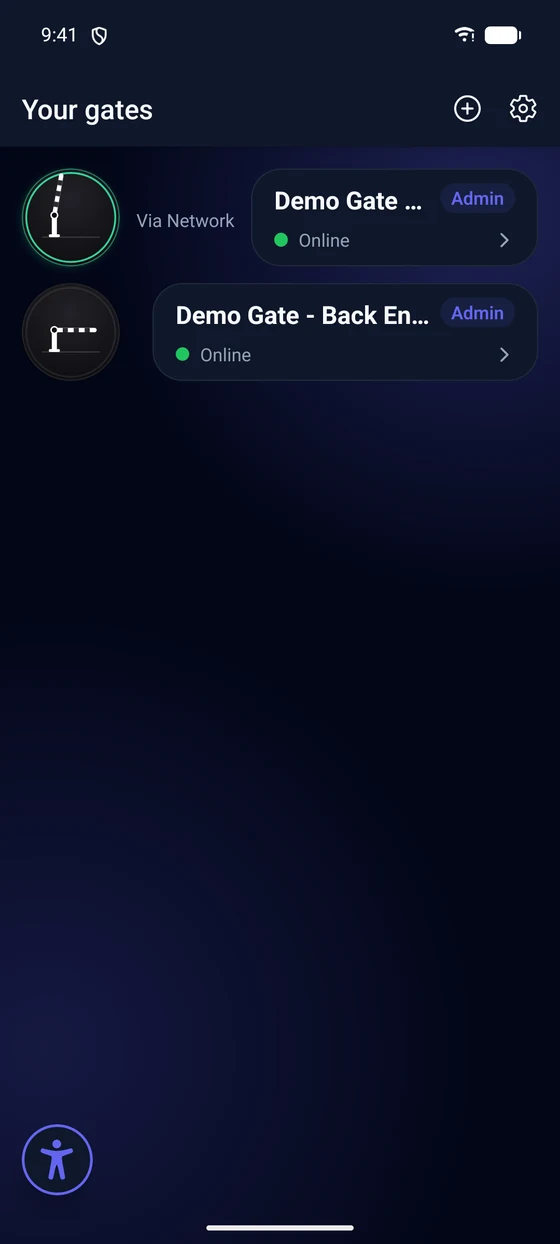
Gate list with two gates, both online
One-tap openingOpen a gate or rolling door with a single tap, wherever you are. Name each gate so everyone knows which one they are opening.
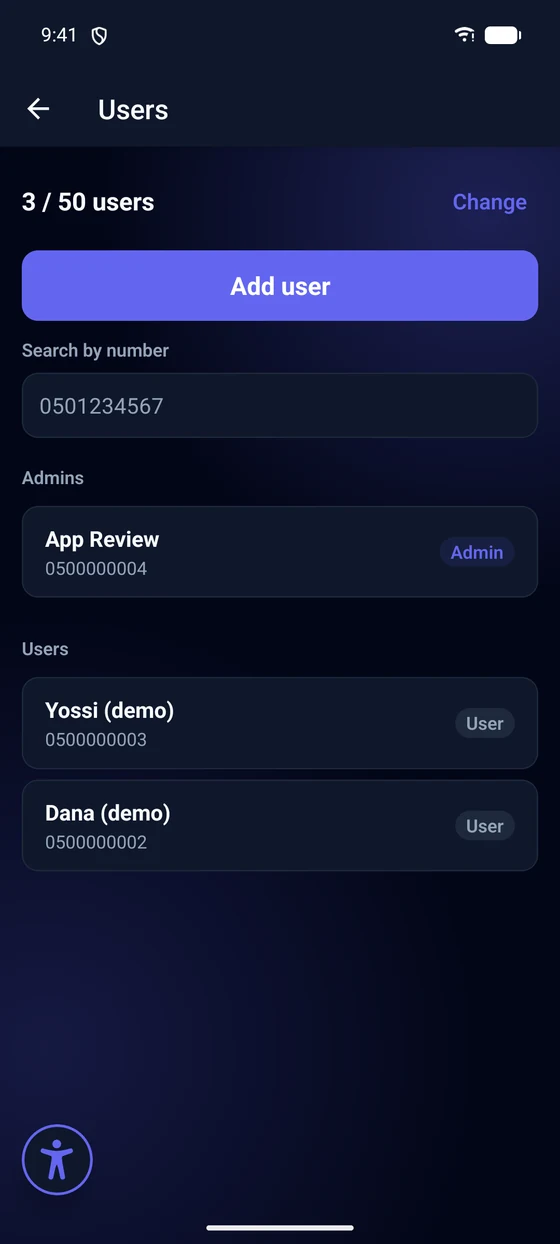
Users screen, with an administrator and two users
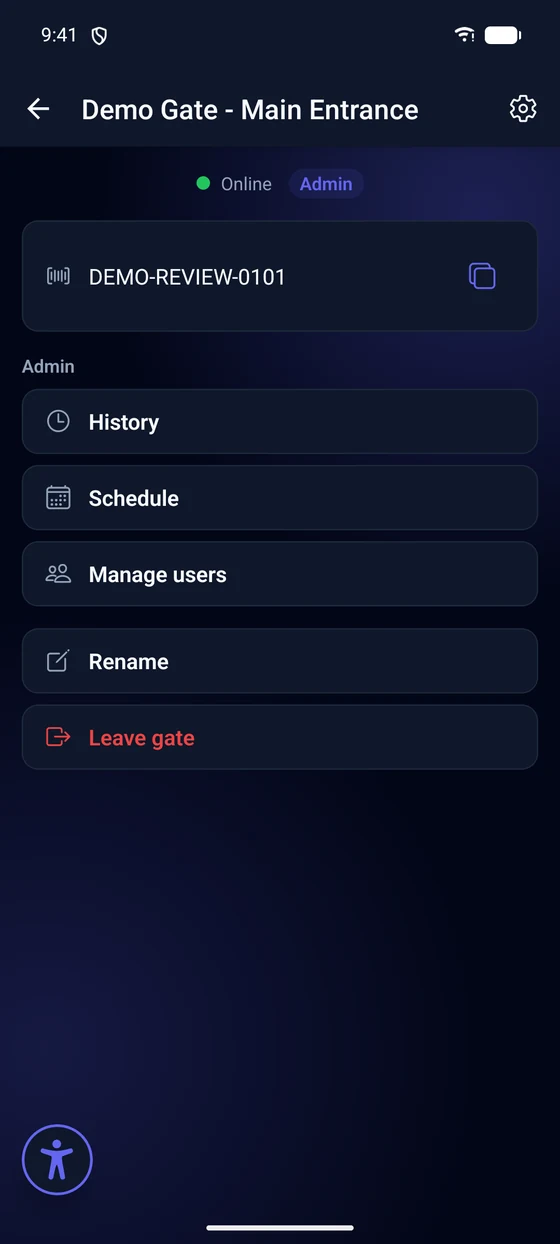
Add and remove usersGive family, staff or tenants access, and take it back just as easily.
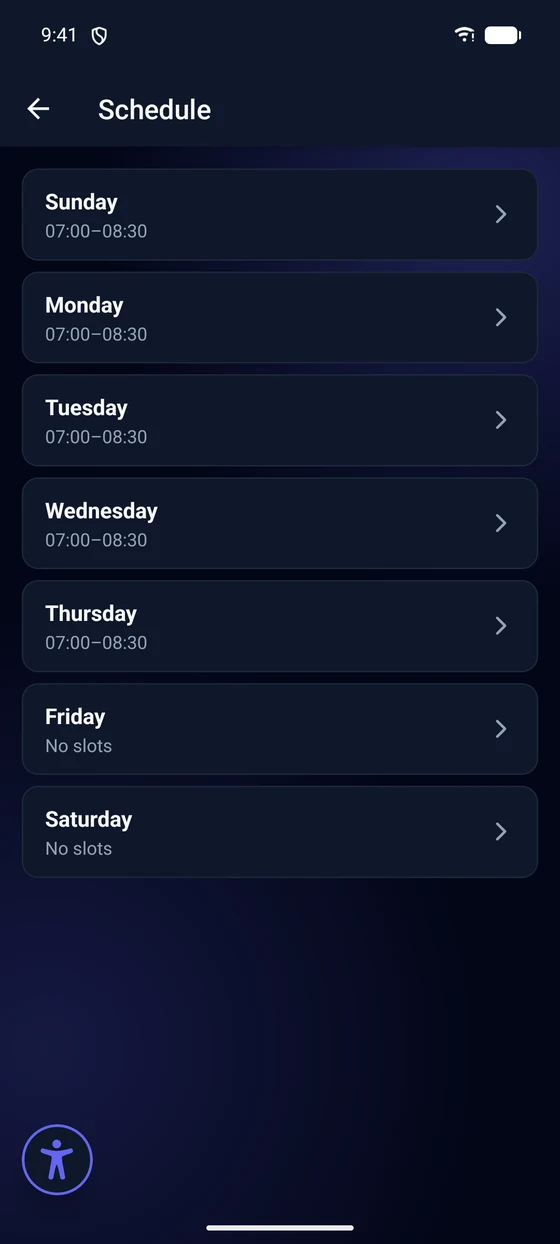
Weekly schedule screen
Opening schedulesSet the times each gate opens, day by day.
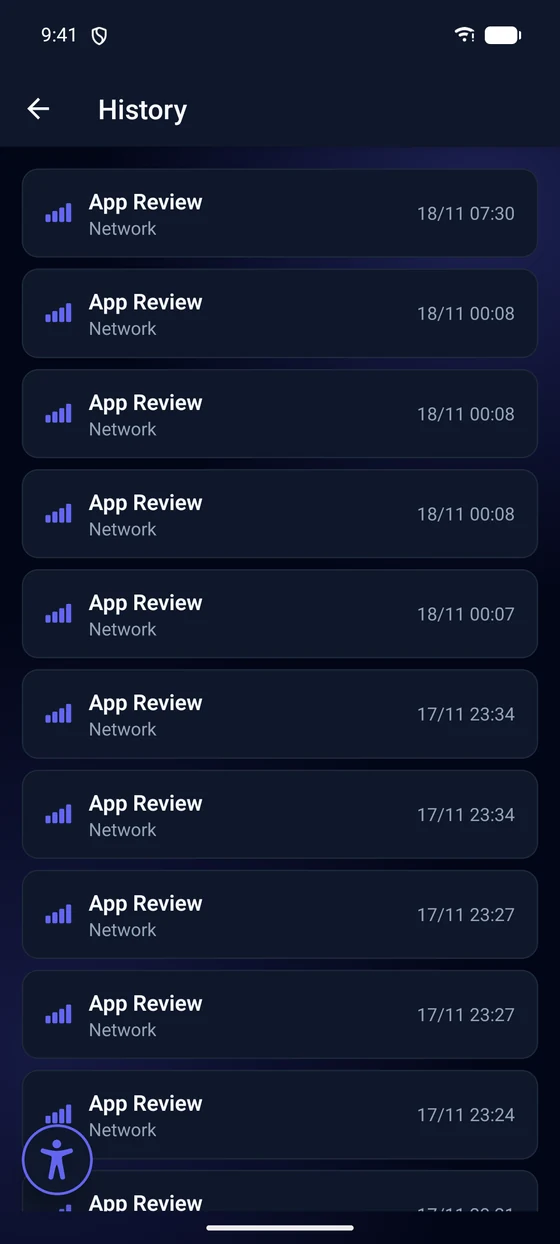
Opening history screen
Who opened, and whenA full history for the gate's administrators.
  • Multi-language supportThe app speaks your language. Change it any time in settings.
  • Accessibility modeLarger text and higher contrast, from any screen.
  • NotificationsAdministrators are told when their gate is opened.
  • Sign-in without passwordsYour phone number and a one-time code. Nothing to remember.

From the box to the first opening

  1. The installer fits the unit It sits beside the motor's control unit and runs on 12–24 V DC. There is nothing to set up on site: no Wi-Fi, no router.
  2. You scan the code on the unit Sign in with your phone number, scan the QR code printed on the unit, and give the gate a name. It is now yours to manage.
  3. You add the people who use it Type a phone number and they get a message with a link to the app. From then on they open the gate from their phone or their car.

In the car: CarPlay and Android Auto

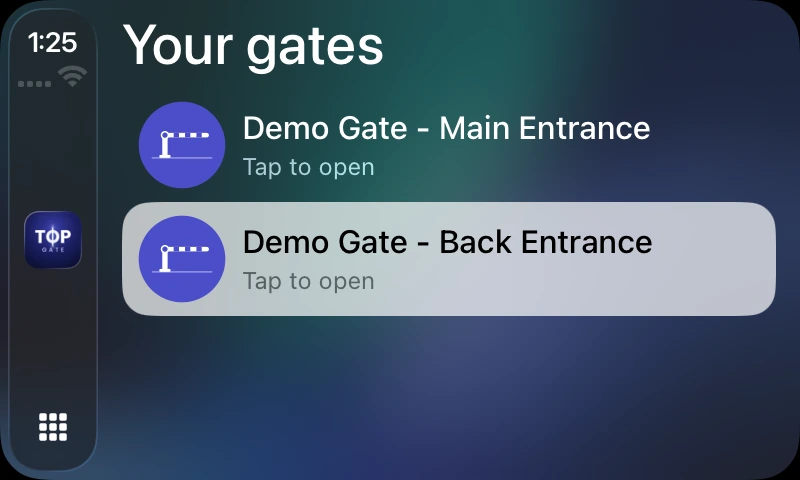
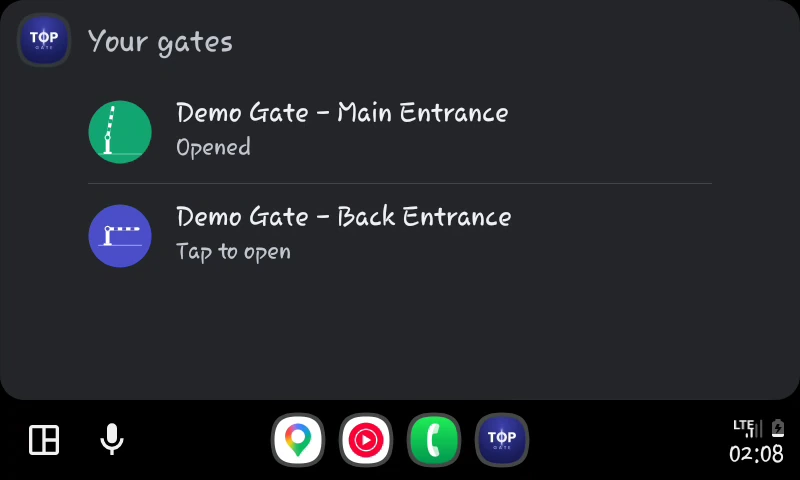
Your gates appear on the car's screen with their full names. One tap opens, and the row turns green when the gate has answered. On iPhone you can also say "Hey Siri, TOP Gate open my gate".

TOP Gate in CarPlay: Demo Gate, Main Entrance and Back Entrance, each with Tap to open
CarPlayiPhone, connected by cable or wirelessly
TOP Gate in Android Auto: the Main Entrance row is green and reads Opened
Android AutoThe row shows the gate has opened

An Israeli engineering company

Rolarix Systems Ltd designs TOP Gate in Israel: the gate controller and the app that goes with it.

We design both ourselves, so they are built to work together and to keep working, day after day.

  • Designed in IsraelBy our own engineering team.
  • One product, end to endThe controller and the app come from the same people.
  • Private by designThe app asks only for what it needs. Read our privacy policy.

Get in touch

Questions about TOP Gate, installation or the app? We would be glad to hear from you.

Email[email protected]
CompanyROLARIX SYSTEMS LTDCompany No. 517416426, Israel